
When you drop your iPhone and shatter the glass, taking it in for repair often leads to a confusing price range. One shop quotes £60, another quotes £130, and Apple asks for over £250.
The secret behind that price difference usually comes down to one technical decision: the technician is quoting you an aftermarket LCD instead of an OLED display.
While picking the cheapest replacement saves money upfront, fitting the wrong screen technology onto a modern smartphone changes display quality, touch responsiveness, and daily battery life.
The Technical Difference: Backlight vs. Self-Illuminating Pixels
To understand why prices vary so wildly, it helps to look at how each panel lights up:
1. LCD (Liquid Crystal Display)
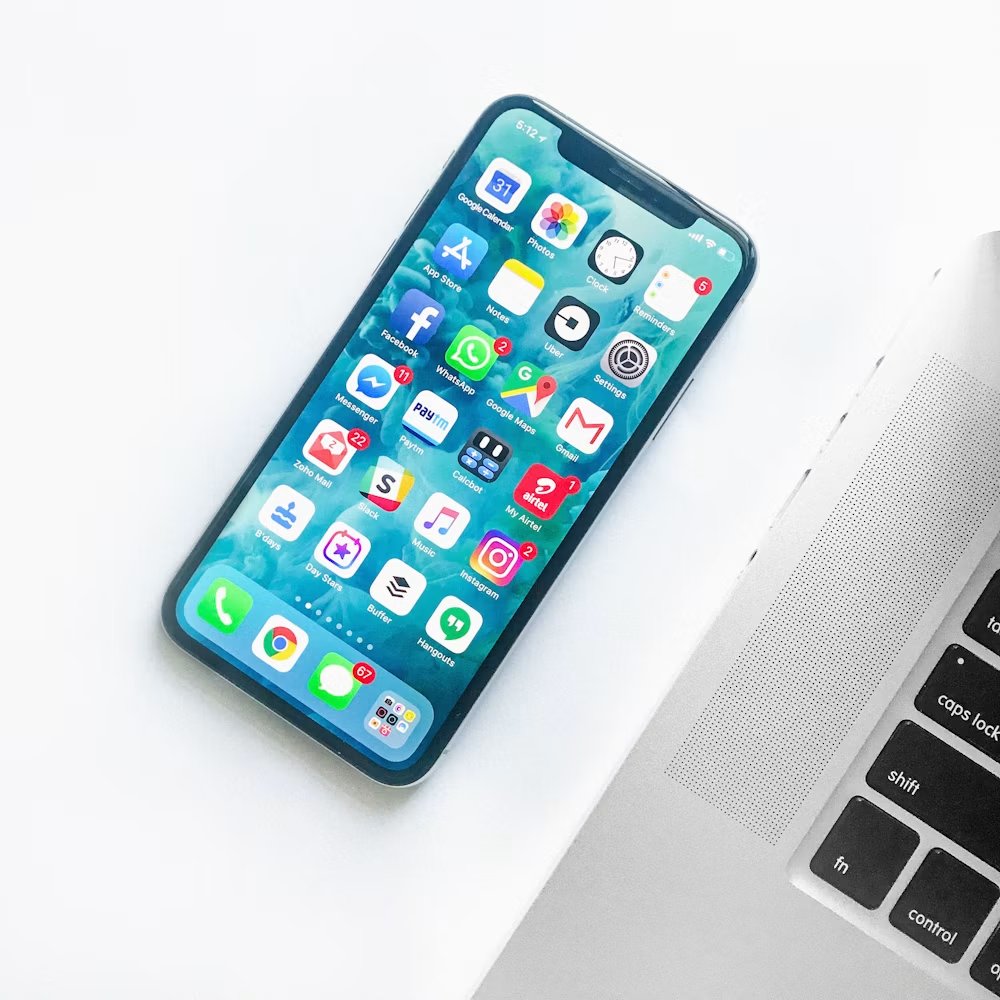
Traditional iPhone displays (such as the iPhone 8, iPhone XR, and iPhone 11) use an LCD paired with a separate backlight layer.
- The backlight stays constantly turned on behind the panel.
- Liquid crystals rotate to block or allow light through color filters.
- Because the backlight never truly turns off, dark scenes look murky dark gray rather than true black.
2. OLED (Organic Light Emitting Diode)
Found on all flagship iPhones starting with the iPhone X (and every base model starting with the iPhone 12), OLED panels eliminate the bulky backlight entirely.
- Every single pixel produces its own light independently.
- To show true black, individual pixels shut down completely, yielding an infinite contrast ratio.
- Removing the backlight sheet makes the panel considerably thinner and less power-hungry during dark-mode usage.
What Happens When You Put a Cheap LCD on an OLED iPhone?
Many budget-tier high street repair kiosks install aftermarket LCD panels onto iPhones engineered specifically for OLEDs. While the phone still functions, several noticeable compromises occur:
1. Faster Battery Drain
OLED-era logic boards and battery calibrations rely on selective pixel illumination. An LCD requires continuous power to illuminate its full-screen backlight sheet, causing up to 20%–35% faster battery discharge, especially when running iOS in Dark Mode.
2. Thicker Bezels and Frame Fitment Issues
Because LCD assemblies require reflective and diffusive backlight sheets, they are noticeably thicker than OLED panels. When forced into an iPhone chassis designed for OLED:
- The screen frequently sits slightly raised above the metallic frame.
- The black bezels bordering the display appear noticeably wider.
- The phone becomes far more susceptible to corner cracks upon minor impacts because the glass protrudes past the protective edge.
3. Washed-Out Colors and Gray Blacks
True blacks disappear. Letterboxing bars when watching widescreen YouTube or Netflix videos glow with a faint blueish-gray tint.
4. Touch Digitizer Latency
Low-cost aftermarket LCDs operate with lower touch sampling rates, which can manifest as missed keystrokes when typing fast or stuttery swipe animations.
Quick Comparison: Replacement Options
| Feature | Aftermarket LCD | Hard OLED | Soft OLED (OEM Grade) |
| Cost | Budget / Lowest | Mid-Range | Premium |
| Panel Thickness | Thickest (causes bezel bulge) | Slim | Ultra-thin (matches original) |
| Drop Durability | Moderate | Fragile (rigid glass back) | High (flexible substrate) |
| True Black & Contrast | No (looks dark gray) | Yes | Yes |
| Battery Impact | Noticeable extra drain | Negligible | Optimum power efficiency |
| Best Used For | Quick data recovery / Trade-in | Budget daily driver | Long-term personal phone |
Demystifying “Hard OLED” vs. “Soft OLED”
If you decide on an OLED replacement, third-party repair shops often give two distinct grades:
- Hard OLED: Built on a rigid glass substrate. While it offers authentic OLED color rendition and true blacks, the rigid substrate is brittle. A modest impact can crack the internal display matrix underneath without shattering the outer protective glass.
- Soft OLED: Manufactured using a flexible polymer substrate—the exact method Apple uses on factory-fresh iPhones. Soft OLEDs absorb shock significantly better, contour precisely into the phone’s perimeter curve, and match original bezel dimensions.
iPhone Screen Compatibility Checklist
iPhones Native to OLED (Require OLED to preserve original performance):
- iPhone X, XS, XS Max
- iPhone 11 Pro, 11 Pro Max
- iPhone 12 Series (12 Mini, 12, 12 Pro, 12 Pro Max)
- iPhone 13 Series (13 Mini, 13, 13 Pro, 13 Pro Max)
- iPhone 14, 15, and 16 Series (All variants)
iPhones Native to LCD (Engineered for LCD screens):
- iPhone SE Series (1st, 2nd, and 3rd Generation)
- iPhone 11
- iPhone XR
- iPhone 8, 7, 6, and older legacy models
How to Avoid Getting Misled by Repair Shops
- Ask for the exact panel type: Don’t settle for the generic phrase “Grade-A screen.” Ask outright: “Is this an aftermarket LCD, a Hard OLED, or a Soft OLED?”
- Beware of quotes that seem too good to be true: If an iPhone 13 or 14 screen replacement is priced significantly below average market rate, the technician is almost certainly fitting a cheap LCD copy.
- Check the True Tone & Auto-Brightness transfer: Ensure the repair shop has an EEPROM programmer to transfer your display serials; otherwise, True Tone functionality will be lost regardless of the panel fitted.